Wallet Login Guide
About MetaMask
MetaMask is a popular cryptocurrency wallet for storing, sending, and receiving tokens. It is widely used for interacting with decentralized applications (DApps) including GetBlobs.
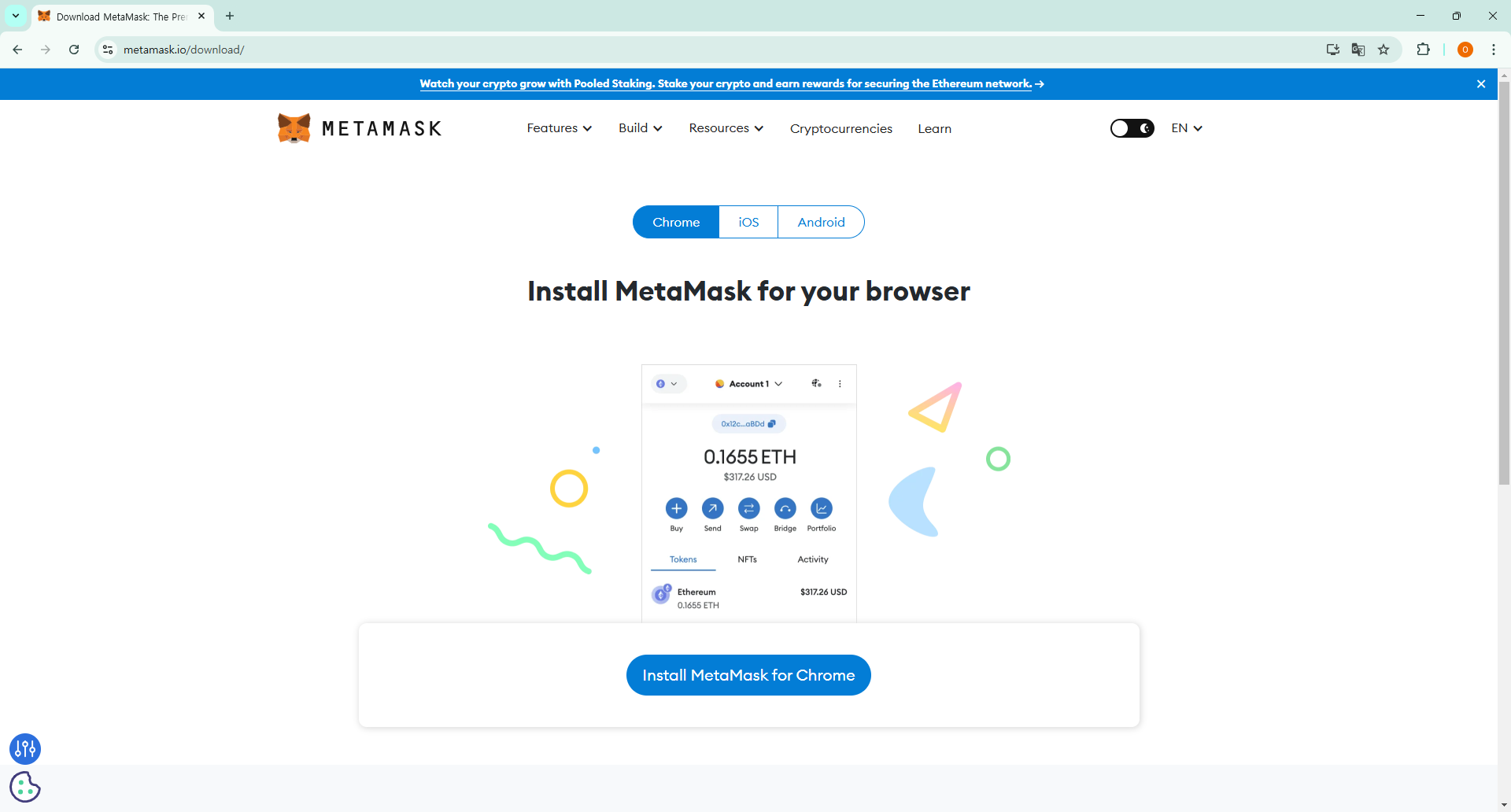
Installing MetaMask
- Visit the official MetaMask website.
- Click Download and choose your browser extension (Chrome, Firefox, Edge, or Brave).
- Follow the installation prompts.
Setting Up a Wallet
- Open MetaMask and click Get Started.
- Choose Create a Wallet.
- Set up a strong password.
- Back up your Secret Recovery Phrase in a safe place.
Connecting to GetBlobs
Add BNB Smart Chain Network
- Open MetaMask and click the network dropdown.
- Select Add Network.
- Enter the BNB Smart Chain details.
- Save and switch to the new network.
Log In
- Go to GetBlobs.
- Click Login.
- Select MetaMask as your wallet.
- Approve the connection request in MetaMask.
Once connected, you are ready to use GetBlobs.