Google Login Guide
About Privy Wallet
With GetBlobs, you don’t need a separate crypto wallet. By logging in with Google, Privy automatically creates and links a wallet to your account.
How to Log In
- Visit GetBlobs and click Login.
- Select Google and sign in with your Google account.
- Your account is linked and a Privy wallet is automatically created.
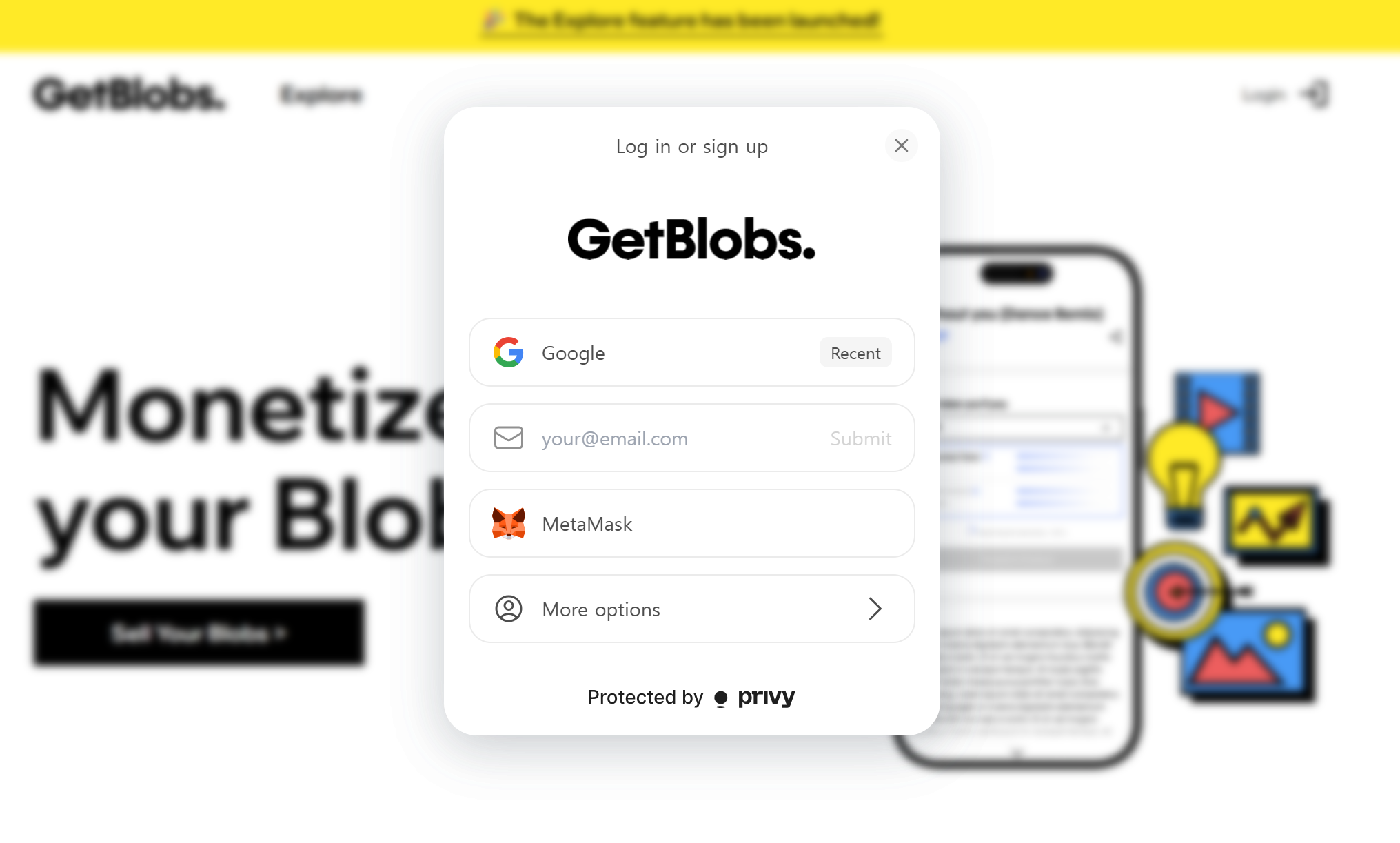
If the email you use for Google Login is the same as Email Login, the system will recognize them as one account.
Using Your Privy Wallet
- Privy automatically creates and links a crypto wallet when you log in.
- You can export your wallet keys. Store them safely (e.g., written on paper in a secure location).
Start Selling
- Click Sell Your Blob on the homepage.
- Upload your digital asset and set a price.
- Your item will be listed in the marketplace.
- Once sold, funds transfer directly to your Privy wallet.